
Business vs. Home Alarm Programming in Austin: What Changes?
Home and business alarm systems may use similar panels and sensors, but they are often programmed around different occupancy patterns, accountability needs, risks, and response procedures. Good programming is based on how the property actually operates—not a rigid residential-versus-commercial template.
Residential programming priorities
A home system usually emphasizes clear daily operation for a small group of trusted users. Common features can include:
- stay and away arming modes;
- entry and exit delays appropriate for the household;
- perimeter protection while occupants move inside;
- individual user codes for family members or service providers;
- app notifications and remote control when compatible;
- separate rules for smoke, carbon monoxide, panic, or water sensors.
In stay mode, selected interior motion zones are commonly bypassed so occupants can move through the home while perimeter zones remain armed. The exact behavior depends on the panel, zone definitions, and household needs.
Commercial programming priorities
A business often needs more detailed accountability and scheduling. Common design goals include:
- individual codes for employees, managers, cleaners, and vendors;
- arm and disarm reports tied to named users;
- opening, closing, and failure-to-arm notifications;
- separate areas or partitions for suites, stockrooms, or departments;
- after-hours schedules and restricted user permissions;
- duress, hold-up, or other specialized functions where approved;
- a documented call list and response procedure.
Quick-arm features may be disabled where management needs every arming action tied to an individual user. That is a policy choice, not a universal rule for every business.
Motion detector programming is site-specific
Commercial motion zones should not automatically be described as active in every armed mode. A warehouse, retail store, office, restaurant, and mixed-use property can have different occupancy after hours. Interior follower, interior stay, cross-zone, partition, and other settings should be selected around the actual layout and operating schedule.
Motion placement also matters. Air movement, sunlight, reflective surfaces, shelving, ceiling height, pets, machinery, insects, and temperature changes can affect performance. Dual-technology sensors that combine passive infrared and microwave detection can be useful in some challenging environments, but they are not automatically the best choice for every room. Equipment should be selected and tested for the scene.
User codes, permissions, and audit trails
Shared codes make it difficult to know who operated the system. Individual codes create a clearer history and can be removed without changing access for everyone else. Businesses should review user access after staffing changes and assign only the permissions each person needs.
App accounts should also be individual. Use multi-factor authentication where supported and promptly remove access from lost devices, former employees, and expired vendors.
Alarm verification and response
Programming affects what signals are sent and how useful they are to the monitoring center. Zone names should clearly identify the area and device. Entry delays, communication paths, test schedules, call lists, and verification procedures should be documented.
An app notification is not the same as professional monitoring. The written monitoring plan should identify which signals are received, who is contacted, and what response instructions are on file. Emergency response is never guaranteed and depends on the signal, procedures, permits, and local responder availability.
Reprogramming an existing system
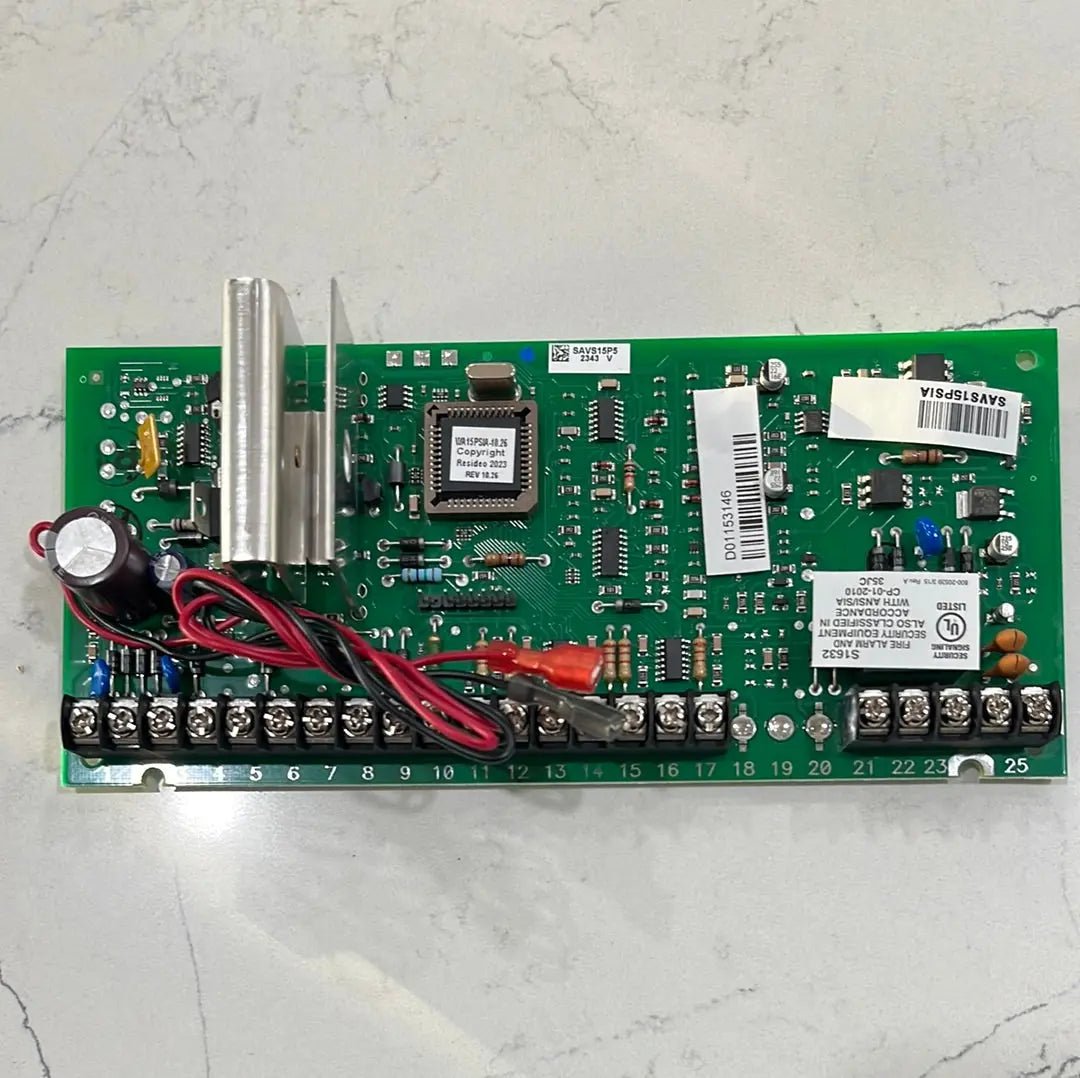
An existing panel may be reusable when it is operational, supported, and compatible with the desired communicator and service. A technician should confirm the panel model, firmware, zone condition, user capacity, communication path, and installer access before promising a takeover.
New-service consultation: New clients considering new services receive an on-site visit and up to one hour of consultation at no cost. Troubleshooting, diagnostics, repairs and other technical service on existing systems are billed at standard service rates; when applicable, the standard on-site service visit is $195.
Learn more about reprogramming an existing alarm system, home security monitoring, and local service versus monitoring-center responsibilities.